
Let's Start With What It Actually Does
Sol Incinerator is a dApp running on Solana. Its core function is to help users close empty token accounts, reclaim the rent deposits locked inside them, and optionally burn worthless tokens or NFTs.
It's not a trading tool. It doesn't generate yield, and it has nothing to do with staking or leverage. If you're coming from traditional finance, think of it as batch-closing dormant sub-accounts and releasing the margin deposits tied to them — the logic is exactly the same.
That's worth clarifying upfront. The name "incinerator" tends to suggest destruction or risk. In reality, its most common use case — closing empty accounts — is one of the most basic instructions in Solana's native account model.
Solana's Account Rent Mechanism: Why SOL Gets "Locked" in the First Place
To understand why Sol Incinerator exists, you need to understand one of Solana's core design choices: account rent.
Every account on Solana — including the Token Accounts automatically created when you hold a token — stores data on-chain. To prevent unbounded chain data growth, Solana requires each account to maintain a minimum SOL balance as a deposit. This is called the rent-exempt minimum, and it currently sits at roughly 0.002 SOL per standard token account.
When you sell a token, the account balance drops to zero. But the account itself stays on-chain, and the deposit stays locked inside it until the account is explicitly closed. If you've been active in airdrops, meme coin trading, or NFT minting, accumulating dozens or even hundreds of these empty accounts is entirely normal.
What Sol Incinerator does is batch-execute the "close and reclaim" operation on your behalf.
Three Things It Can Do
Close Empty Token Accounts (Lowest Risk)
This is the function most users should actually be using. When an account balance is zero, closing it returns roughly 0.002 SOL in rent deposits to your main wallet. Solana's Token Program natively supports this instruction (CloseAccount) — Sol Incinerator wraps it in a batch interface.
Burn Junk Tokens (Irreversible)
Solana's Token Program also natively supports a Burn instruction. Once executed, the token balance is permanently reduced and the token's total on-chain supply decreases accordingly. Sol Incinerator's Pro Mode uses this to clear out tokens that can't be sold and have no value.
Burn Junk NFTs (Irreversible)
Same logic, applied to scam-airdropped NFTs or untransferable junk collectibles. After burning, the account is closed and a portion of rent is returned. The exact amount depends on the NFT account's data structure.
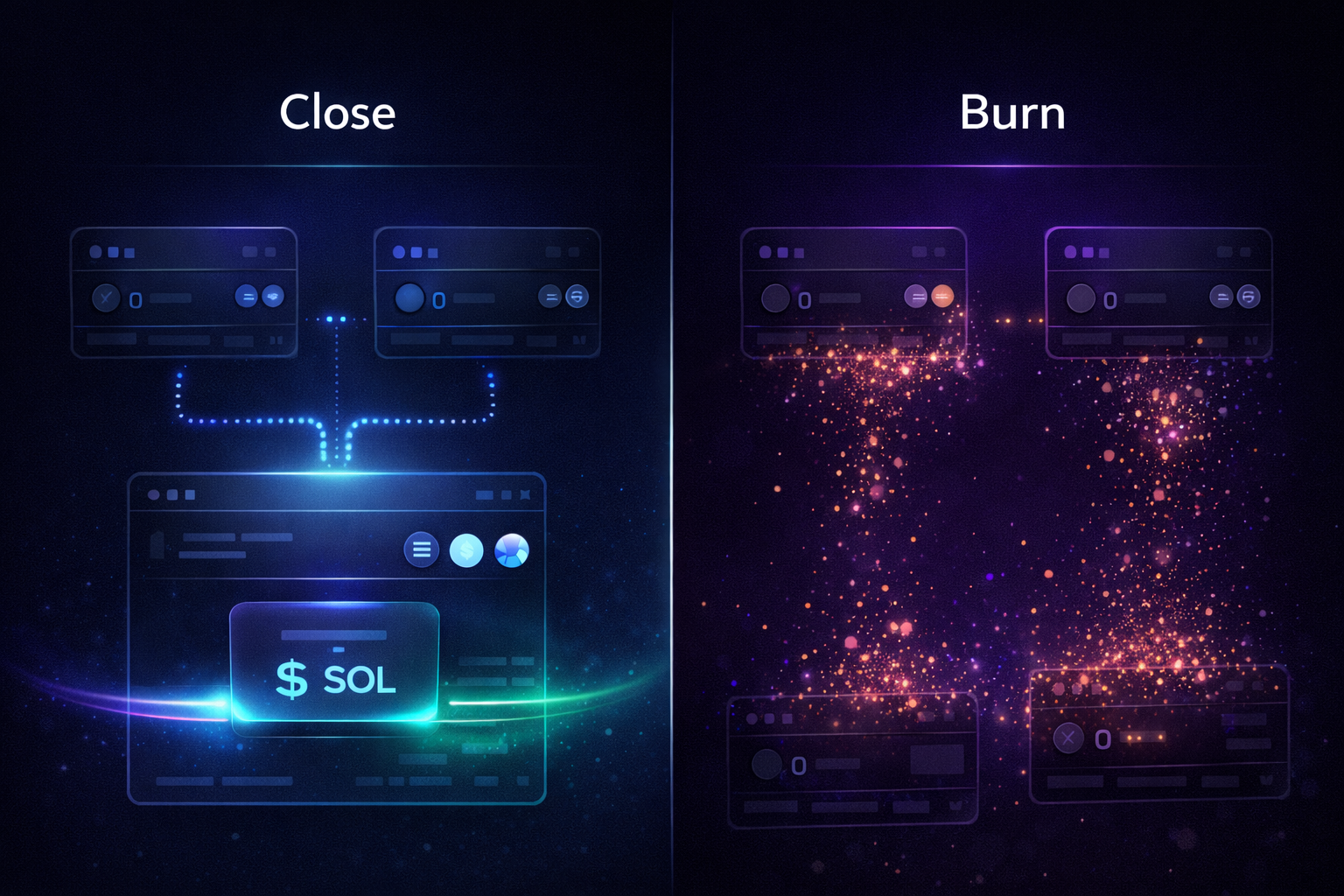
The Difference Between Burn and Close — You Need to Understand This
This is the most important concept to grasp before using the tool. Confusing the two can lead to permanent asset loss.
|
Close |
Burn |
|
|
Prerequisite |
Account balance must be zero |
Account has a balance |
|
Result |
Deletes empty account, returns deposit |
Permanently destroys asset, reduces total supply |
|
Reversibility |
Irreversible, but no asset loss |
Completely irreversible |
|
Risk |
Very low |
Permanent loss if you select the wrong asset |
Sol Incinerator's basic mode (Fun Mode) only processes zero-balance accounts — that's the Close path. Pro Mode is where Burn operations come in.
If your only goal is to reclaim SOL, Fun Mode is all you need. There's no reason to touch the Burn function.
How to Use It: Step-by-Step
Step 1: Confirm Wallet Compatibility
Sol Incinerator supports Phantom, Solflare, and Backpack. All three are mainstream Solana wallets. If you're using one of them, you can connect directly.
Step 2: Enter Through a Trusted Source
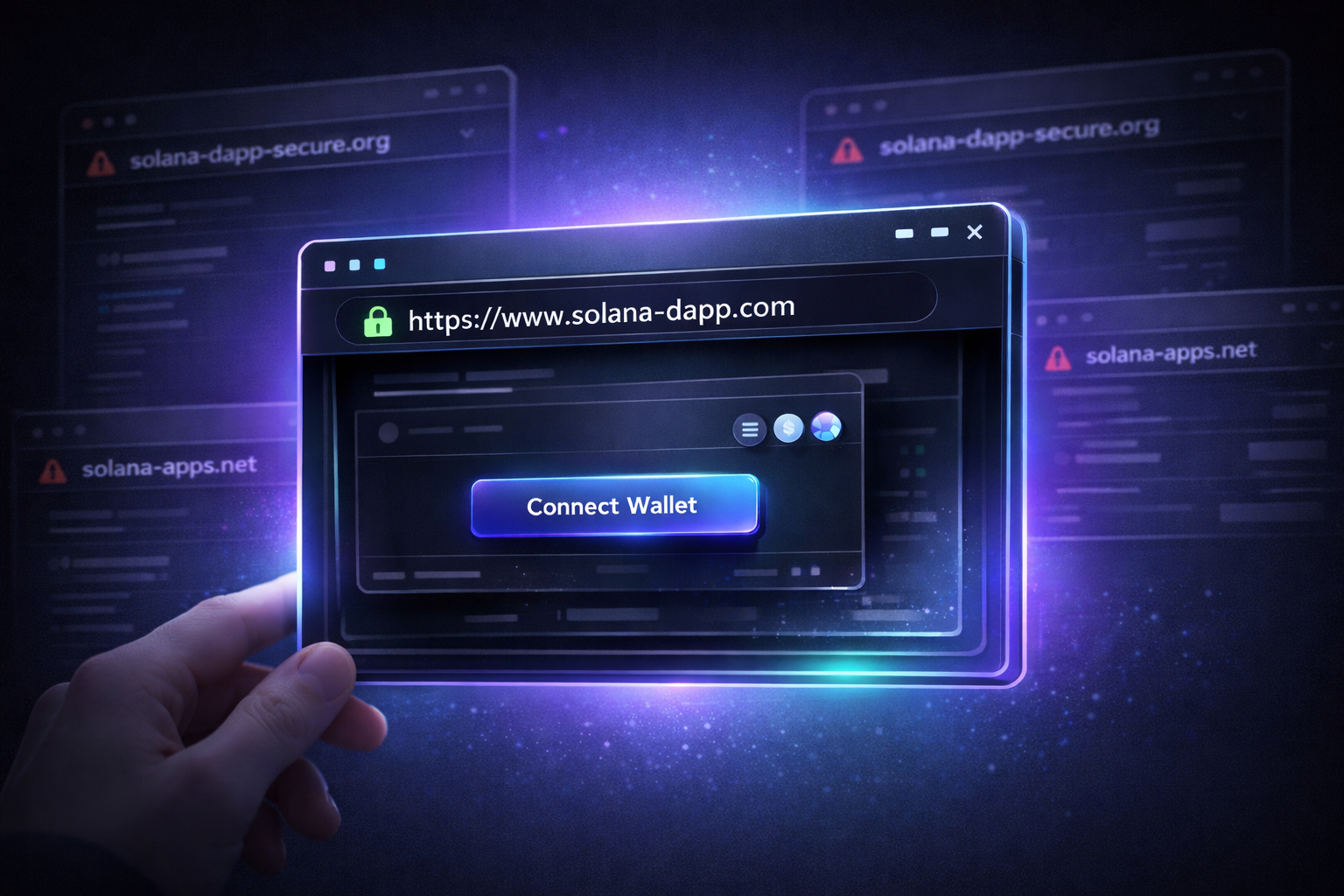
There are two reliable entry points: Sol Incinerator's official website, and the dApp directory built into Phantom wallet. The Phantom directory has the advantage of a pre-vetted URL, which reduces the risk of landing on a phishing site.
Always verify the URL in your browser's address bar before connecting. Don't skip this step.
Step 3: Scan and Review the Results
After connecting your wallet, the app automatically scans your empty accounts and displays the estimated total SOL you can reclaim. This scan doesn't require you to sign anything — it's just reading on-chain data.
Step 4: Review the List and Confirm Each Item
For basic cleanup, confirm that every account in the list shows a zero balance. If you're using Pro Mode, check each selected token or NFT individually before proceeding. Burns cannot be undone.
A useful habit: before signing, open Solscan or Solana Explorer and search the contract address of any asset you're about to burn. Confirm it's actually what you think it is.
Step 5: Sign and Wait for Confirmation
Both closing accounts and burning tokens require a manual signature in your wallet. Solana's Token Program requires the account owner to sign — no third party can do this for you. After signing, transactions typically confirm on-chain within seconds.
Step 6: Check Your Balance and Decide What's Next
The reclaimed SOL lands directly in your main wallet. Check the transaction history on Solscan to confirm every closure executed successfully.
If you're not planning to use the reclaimed SOL right away, you can exchange it for other assets or stablecoins through a trading platform. If you want to check the current SOL price, Tapbit provides real-time market data and supports spot trading directly — the interface is approachable for newer users.
Security Risks: Specific, Not Generic
Sol Incinerator is listed in Phantom's dApp directory and has been running for over three years. For basic cleanup, the risks are genuinely limited. That said, a few specific risks are worth naming:
Phishing Sites Sol Incinerator's reputation makes it a target for imitation. Search results may surface lookalike sites with similar domain names. Connecting to one could mean signing a malicious transaction. Use Phantom's dApp directory or a bookmarked URL. Don't click search engine ads.
Accidentally Selecting the Wrong Assets Pro Mode lists the tokens and NFTs in your wallet. If you don't review carefully, you could select and burn an asset that still has value. Review each item before you sign.
Links Embedded in NFT Metadata Some junk NFTs embed links in their metadata or images that lead to phishing sites or malicious contracts. Sol Incinerator itself explicitly warns: never click external links in an NFT's description or metadata.
Compressed NFTs Are Not Supported Compressed NFTs (cNFTs) on Solana use a different account structure and typically have no recoverable rent deposit. If you hold cNFTs, Sol Incinerator may not be able to process them, or the reclaimed amount may be zero.
Custodial Exchange Risk (Further Reading) After cleaning up a wallet, many users transfer their reclaimed SOL to an exchange. When choosing a platform, prioritize those with a publicly available Proof of Reserves. Proof of Reserves means the exchange has undergone third-party auditing to verify its on-chain assets cover user deposits — a baseline indicator of platform financial integrity.
An Analogy for People From a Traditional Finance Background
Imagine you opened a number of sub-accounts at a brokerage, each with a small margin deposit. Over time, all the positions were closed — but the accounts were never formally shut down, and the deposits have been sitting there ever since. Sol Incinerator handles the equivalent of submitting batch "close account, release deposit" requests.
No yield. No magic. Just retrieving money that was already yours.
What Comes After the Cleanup?
For many people, using Sol Incinerator is a starting point. Once you've reclaimed scattered SOL deposits, a natural question follows: what do you do with it next?
If you're new to the Solana ecosystem and haven't opened an exchange account yet, now is a reasonable time. Tapbit supports SOL spot trading and futures trading, offers a welcome bonus for new users, and maintains transparent fee structures with no hidden charges. For someone getting started after a wallet cleanup, spot trading is the most straightforward next step.
Summary
Sol Incinerator is a Solana account management tool. Its core value is closing empty token accounts, reclaiming locked rent deposits, and optionally burning junk assets.
For beginners, Fun Mode's basic cleanup carries the lowest risk and the simplest workflow. For active on-chain users, Pro Mode's burn functionality can genuinely declutter a wallet — but every operation requires careful review before you sign.
It doesn't create value. It just helps you retrieve what was already yours — and that's useful enough.
If you're ready to explore the Solana ecosystem further, you can check SOL's live price on Tapbit, or create an account to make your first trade.
FAQ
What is Sol Incinerator?
Sol Incinerator is a Solana dApp that helps users close empty token accounts and reclaim the SOL rent deposits locked inside them. It also supports burning unwanted tokens and NFTs through its Pro Mode. It is not a trading or yield-generating tool — it's purely an account management utility.
How does Sol Incinerator work?
When you connect your wallet, Sol Incinerator scans for empty token accounts and calculates how much SOL you can reclaim. You review the list, sign the transaction in your wallet, and the app executes the close instructions on-chain. Each standard token account returns roughly 0.002 SOL. The process uses Solana's native CloseAccount instruction, which is a standard part of the Token Program.
Is Sol Incinerator safe?
For basic cleanup — closing zero-balance accounts in Fun Mode — the risk is low. Sol Incinerator has been operating for over three years and is listed in Phantom's dApp directory. The main risks are phishing sites that imitate it, and user error when using Pro Mode's Burn function. Always verify the URL before connecting, and only burn assets you've confirmed have no value.
What is the difference between Close and Burn?
Close removes an empty account from the blockchain and returns its rent deposit to your wallet. The account must already have a zero balance. Burn permanently destroys a token or NFT that still has a balance — it reduces the asset's total on-chain supply and cannot be reversed. Close carries very low risk. Burn is irreversible, so selecting the wrong asset means permanent loss.
Can I recover SOL from every account?
Not always. Standard token accounts with a zero balance are straightforward to close, and each returns roughly 0.002 SOL. However, compressed NFTs (cNFTs) use a different account structure and typically have no recoverable rent deposit. Some account types may also fall outside what Sol Incinerator supports. The app will show you an estimated recoverable amount after scanning — if an account returns zero, it likely falls into one of these categories.


