

Website
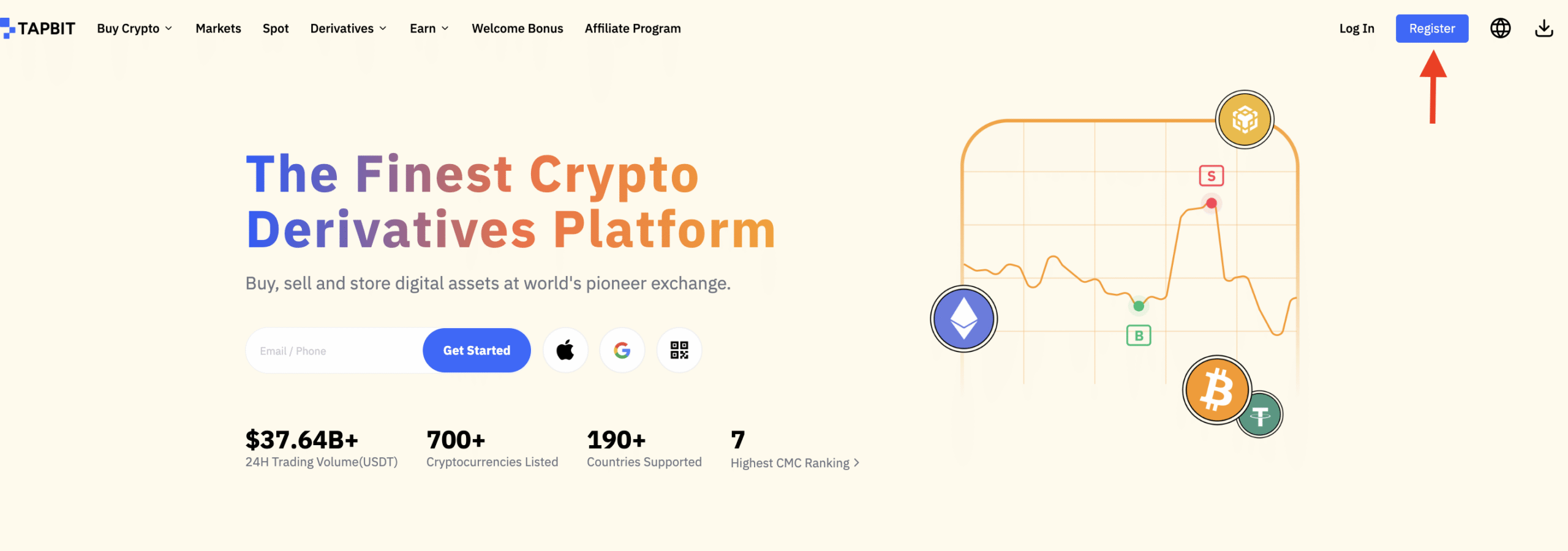
1. Click on https://www.tapbit.com/ to enter the home page of the official website, then click on the upper right hand corner on “Register” to then, register.
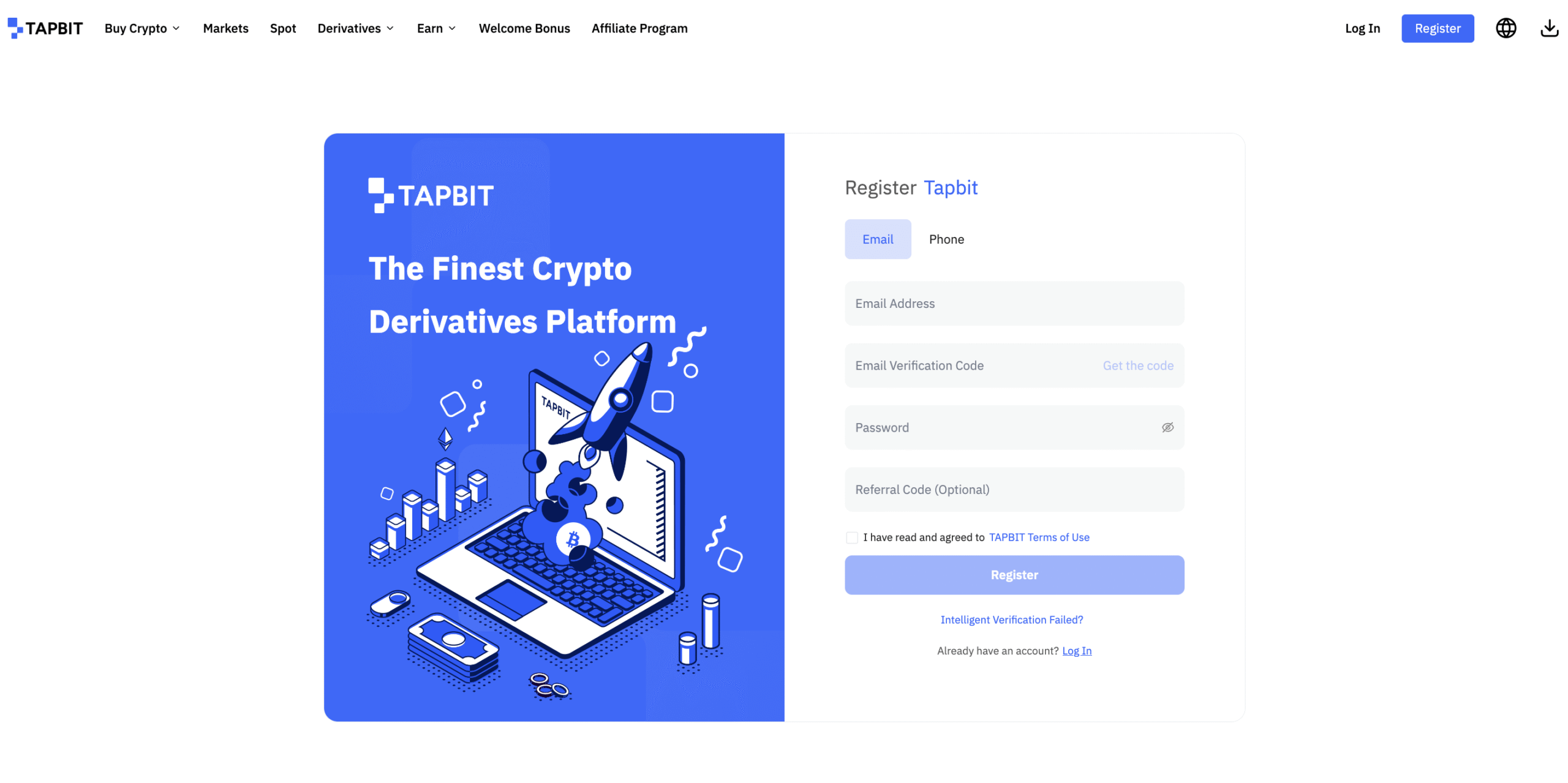
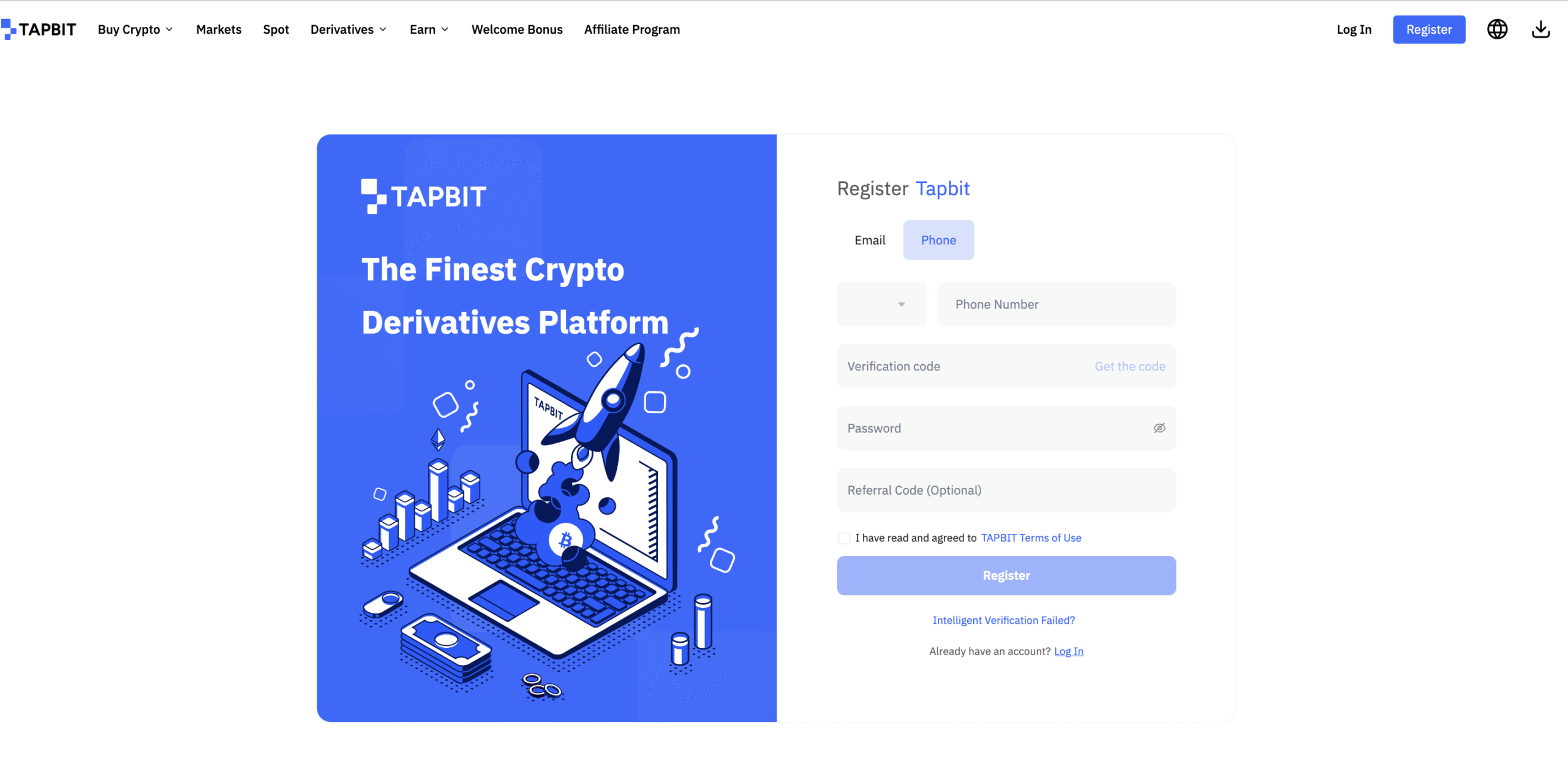
2. Choose between either your email or your mobile phone number to register an account, fill in the relevant information to complete the registration.
Register with Email
Register with a phone number
APP Registration
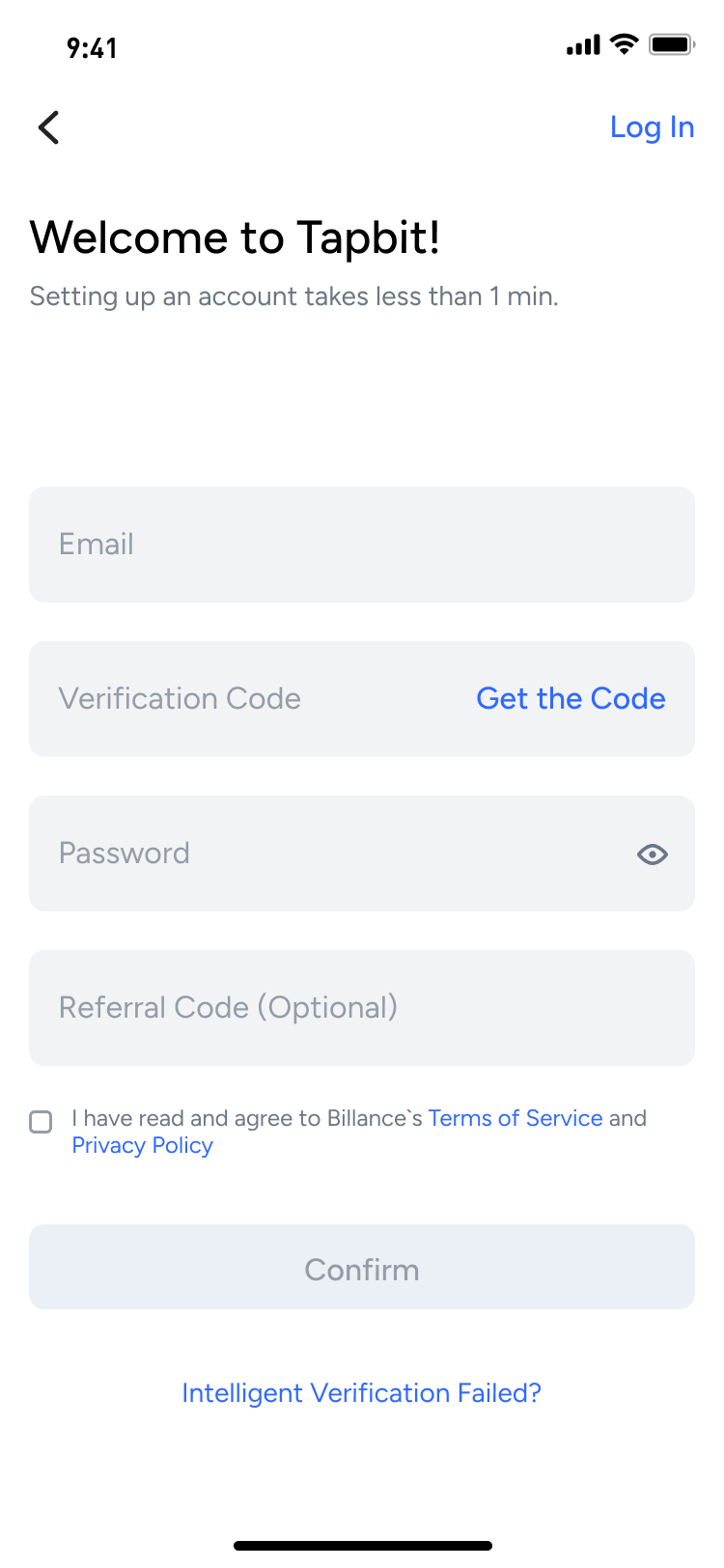
1. Open our APP, and click “Register” on the Tapbit homepage.
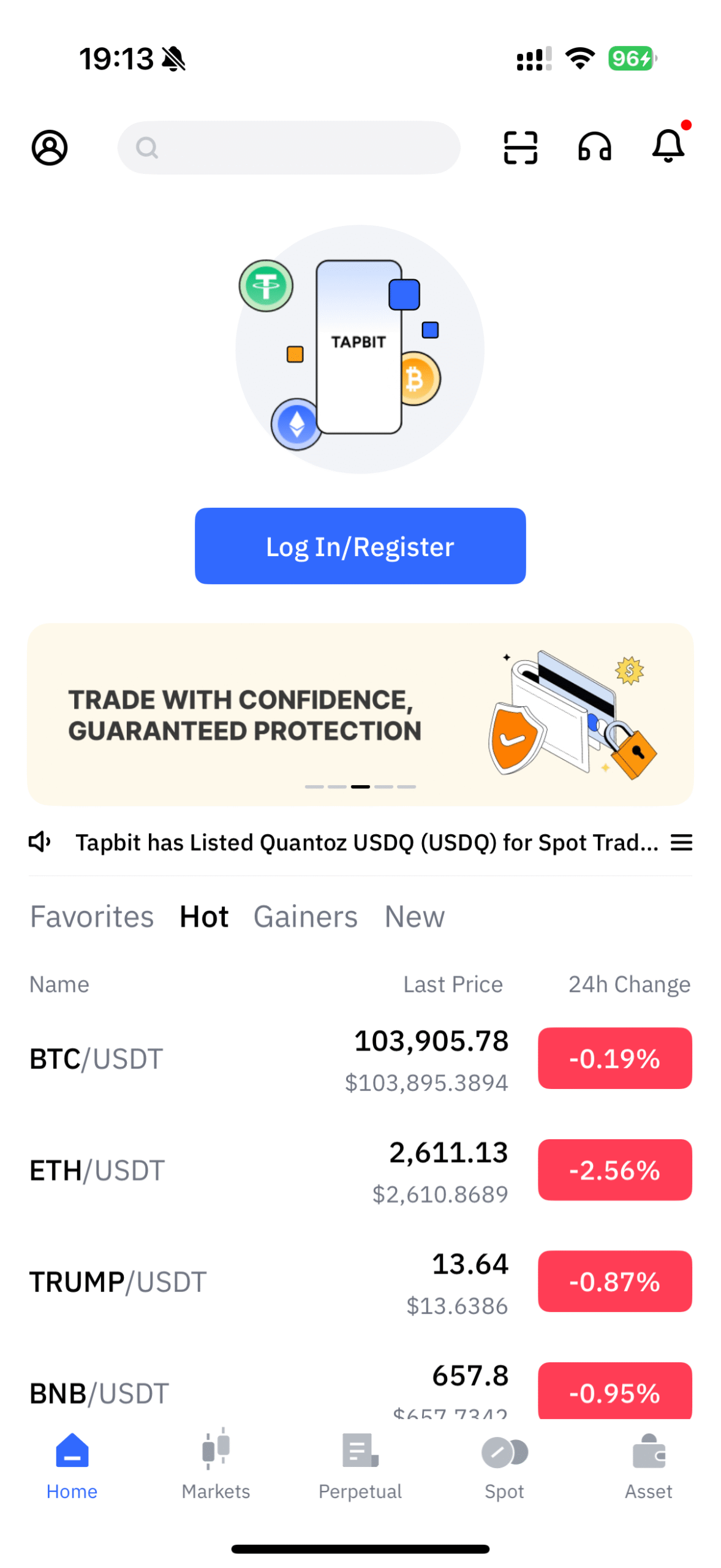
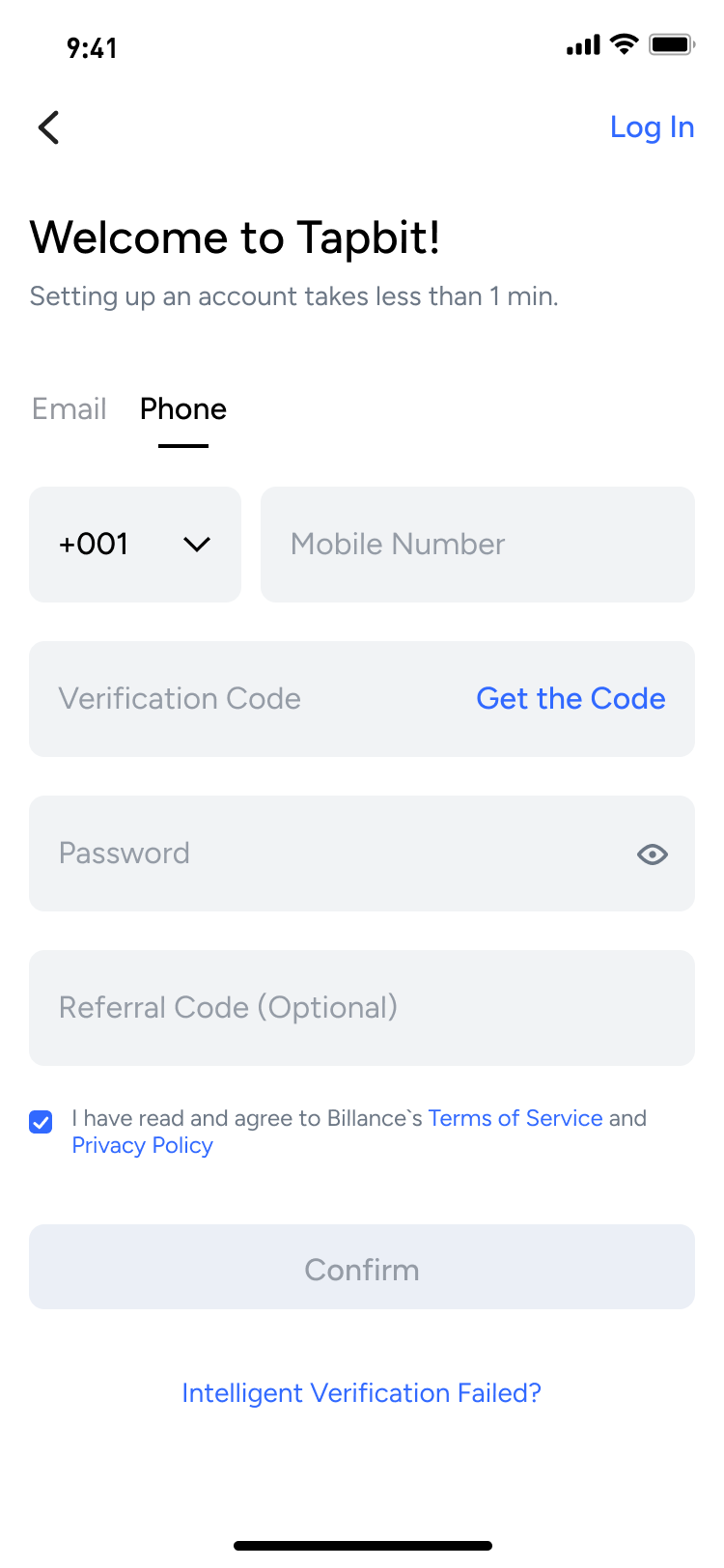
2. Enter the registration page, choose between your email or your mobile phone number to register, from there, fill in the relevant information as requested to complete the registration.
Register with Email
Register with a phone number
Security Settings
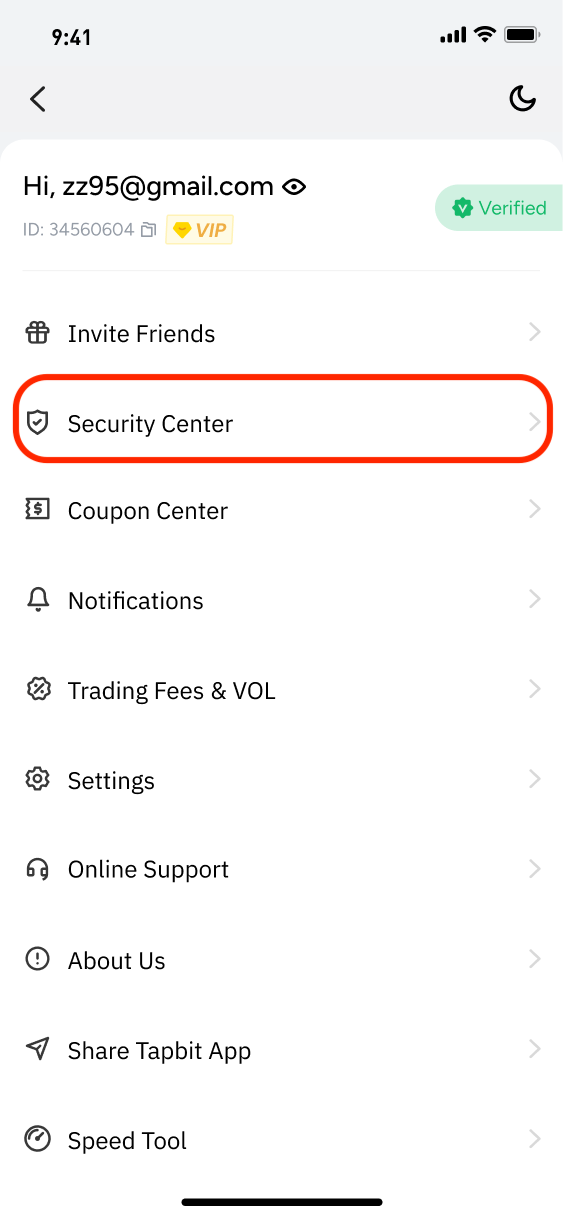
To fully protect your account security and accordingly its assets. It is highly recommended to fully complete the security settings before you start to make an actual trade. Please click “Security Center” in the drop-down menu after logging in.
Furthermore, there are a few security setting options, which are quite important during the actual trading initiatives. We strongly recommend you fully enable and activate 2FA, on your official account.
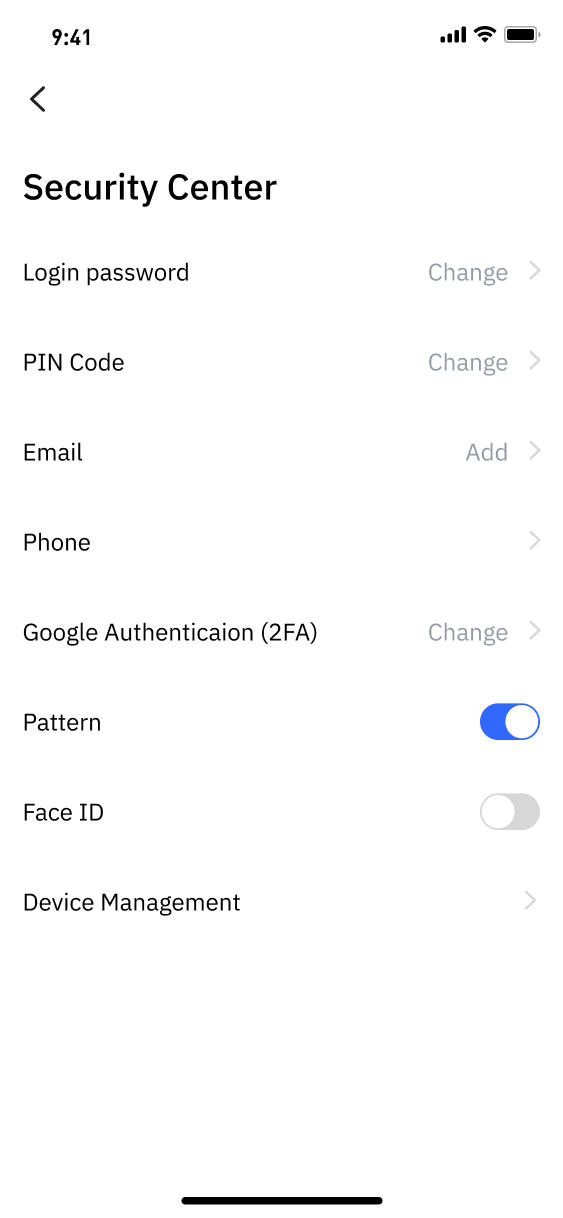
Bind Google Authentication or SMS Authentication.
You can use your mobile phone or Google Verification to verify your identity when logging in or making an initial trade. Furthermore, you can choose the one you prefer or set both.
If your country is on the ‘Supported Country List’ of the phone numbers, click SMS Authentication to bind your mobile phone. If your country is not on the list, it is necessary to bind the Google 2-step Verification for your account’s security.
For Detailed guidance, Please refer to Two-Factor Authentication
Tapbit Team