

Here’s a detailed step-by-step guide on how you as an advertiser and how post your first P2P advertisement on Tapbit.
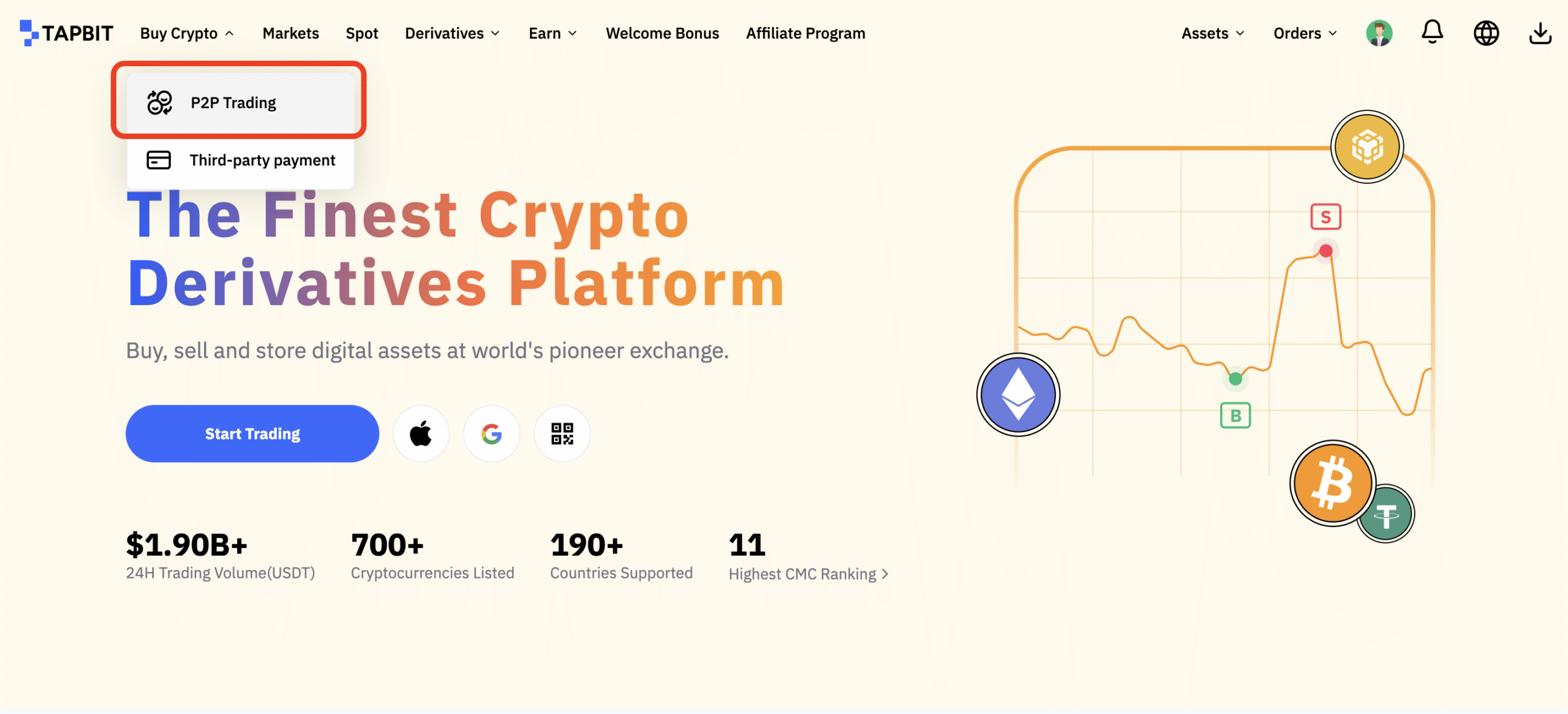
Step 1: Please click on Buy Crypto — P2P Trading on the top left corner of the navigation bar to enter into the P2P trading page.
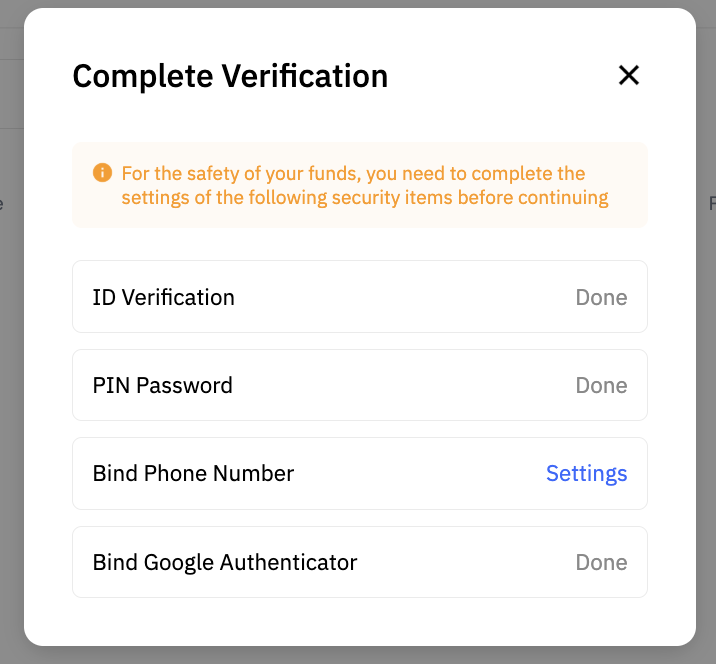
Step 2: Payment Method
- Add your payment method to the P2P User Center.
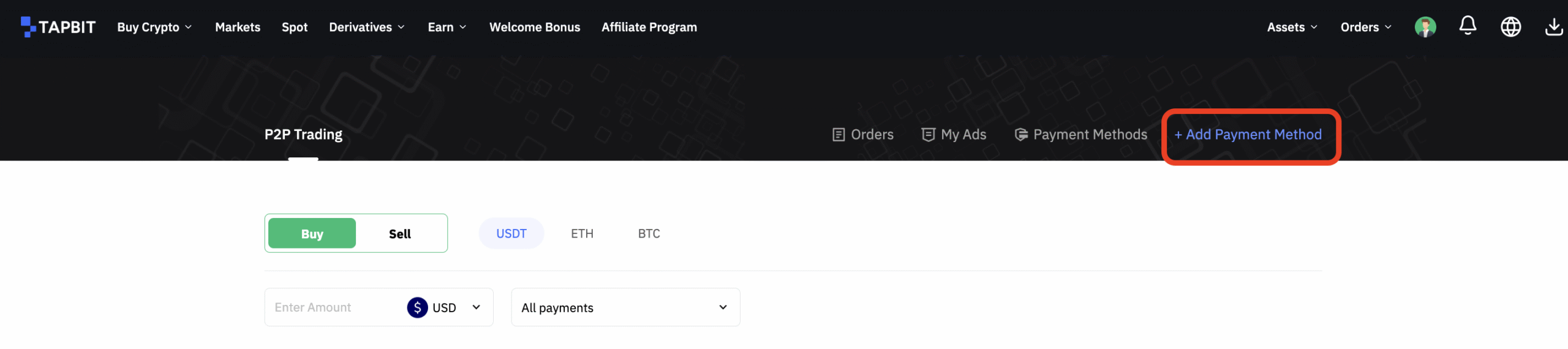
- Then your payment method is set up.
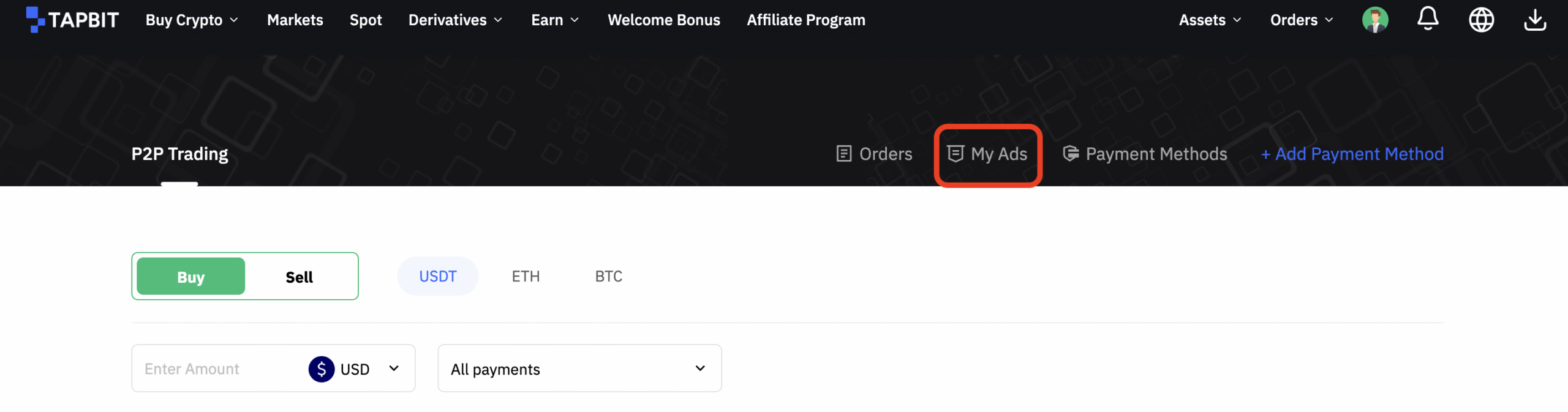
Step 3: In the upper right hand corner of the P2P trading page, click on My Ads –> New Ads.

Step 4: You can create your ideal advertisement by configuring the following settings:
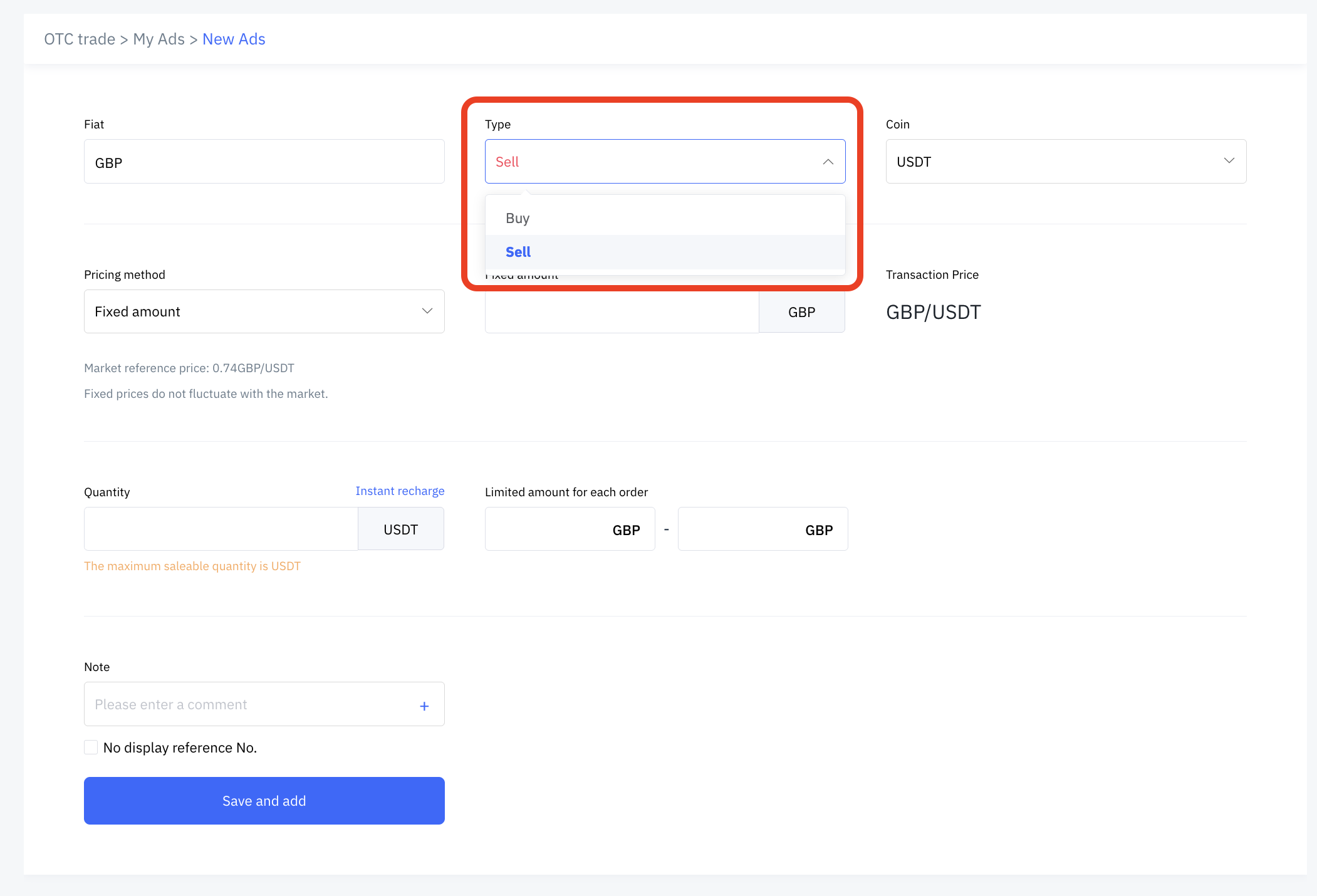
Type
- Select advertisement type: Buy or Sell.
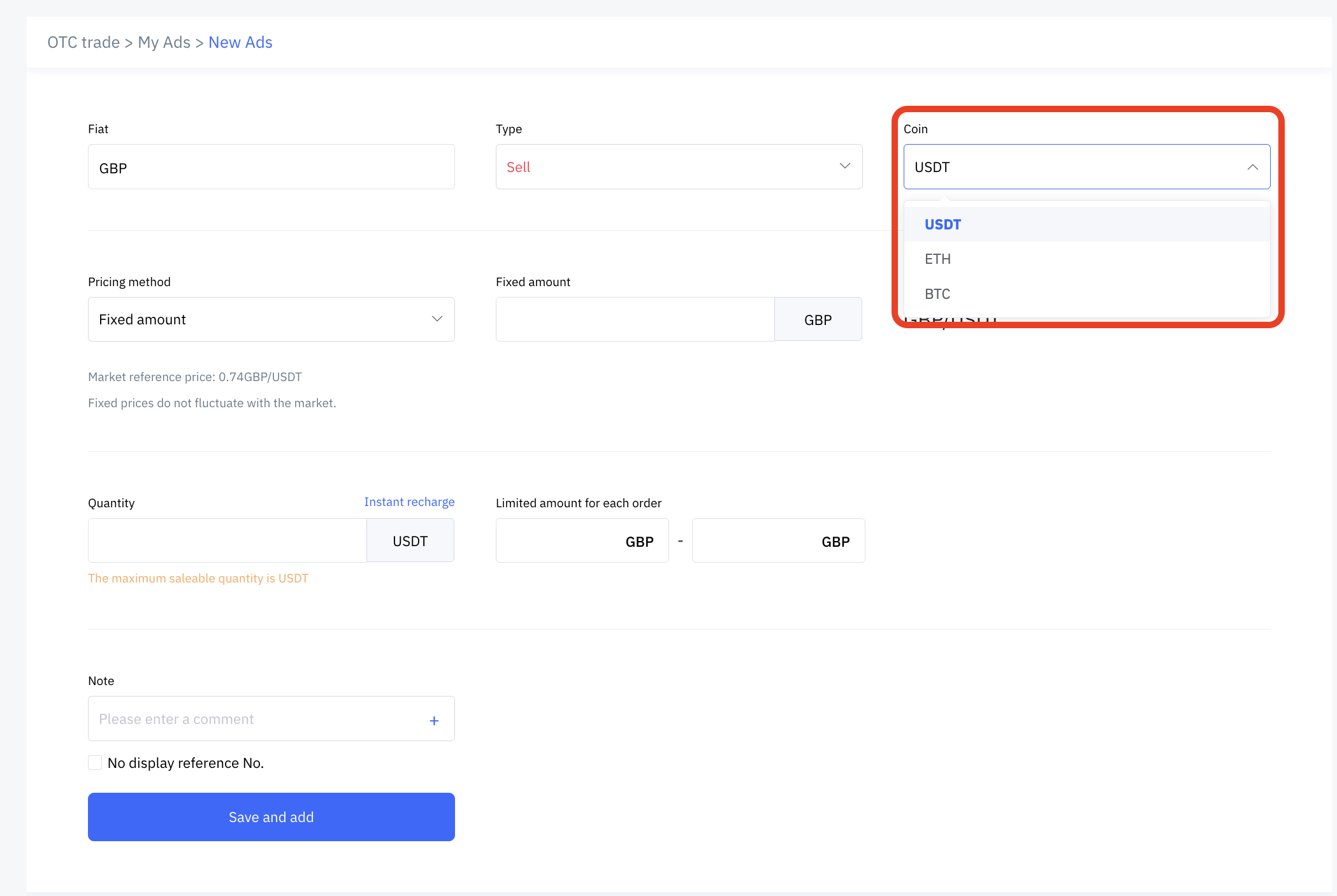
- Select a coin.
Price Settings
- Enter either the Fixed Price or Floating Price.
- Enter the price (per USDT) or premium that you want to offer.

Fixed prices do not fluctuate with the market; floating ratio allows you to trade at a percentage above or below the market real-time reference price.
Transaction Settings

- Enter the total quantity you want to trade.
- Enter the minimum transaction amount per ad.
- Enter the maximum transaction amount per ad.
Note
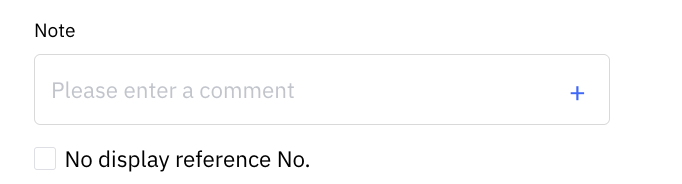
Leave your remarks for your potential buyers or sellers.
Ad to Be Posted
- Confirm that all the information you have entered into your advertisement is accurate;
- Click to accept the agreement;
- Click on save and add.
Security Verification
- Enter the pin and six (6)-digit Google Authenticator 2FA security code that has to be accessed via your Google Authenticator App.
- Click on Confirmed.
- Now you can to the Active page under My Ads and you can view the details of your advertisement.
Congratulations! Your ad is now successfully posted!