
In the crypto world, we have a saying: "Don't trust, verify." But if you've ever looked at raw blockchain data, you know it looks like an unreadable mess of alphanumeric strings.
This is where the Blockchain Explorer comes in. If the blockchain is a global, public ledger, the explorer is the search engine that makes that ledger readable. It’s essentially the "Google" of the crypto universe.
Whether you’re a retail trader waiting on a withdrawal or a macro analyst tracking "Whale" movements, mastering the explorer is how you transition from an amateur to a professional operator. Here’s the breakdown of how to use it.
How the "Magic" Works (The Technical TL;DR)
Technically speaking, a blockchain isn't a central server. It’s a database distributed across thousands of computers (called "nodes") around the world. To turn that chaotic, raw data into a webpage you can actually read, the explorer does three heavy-lifting jobs behind the scenes:
1. Running a "Listening" Node
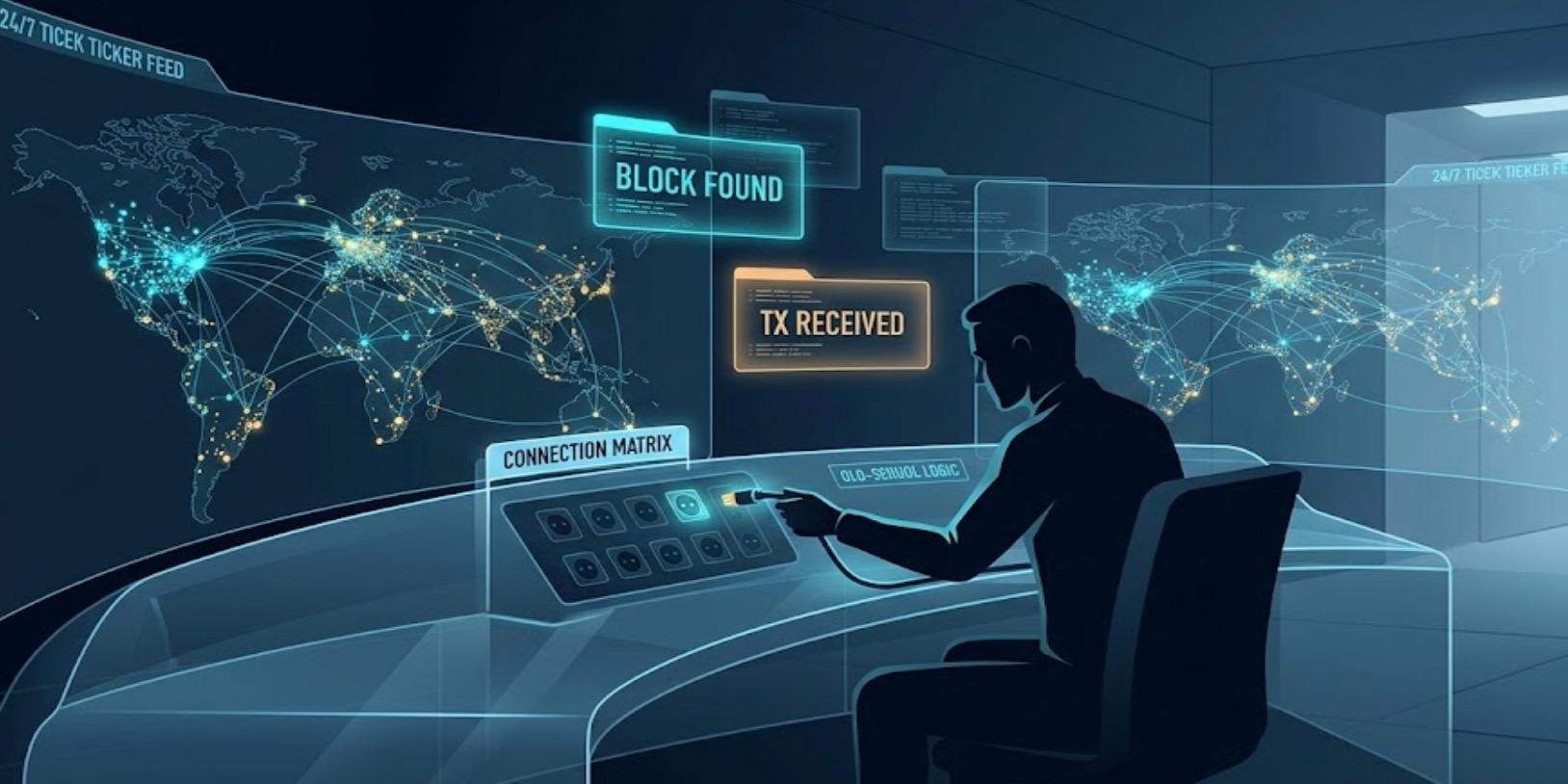
The explorer actually runs its own blockchain node. Think of it as an always-on switchboard operator listening to the network 24/7. Whenever a new block is mined or a transaction occurs anywhere in the world, the explorer catches the signal instantly.
2. Indexing: Turning Code into a Dictionary
Raw blockchain data is a massive, messy string of hexadecimal code. It reads like absolute gibberish, and if you tried to search it directly, it would take forever.
To make your searches load in milliseconds, the explorer unpacks and organizes this data. It breaks down the raw code, categorizes it by transaction amount, timestamp, sender, and receiver, and stores it in a high-performance database. This process is called Indexing. It’s basically taking a giant, disorganized map and rebuilding it into a dictionary you can flip through by keyword.
3. No Guessing, Just Immutable Facts
When you search for your wallet balance, the explorer isn't using some algorithm to "calculate" or guess it. It is pulling the exact, current state of your wallet directly from its 1:1 replica of the blockchain.
It doesn't lie, and it doesn't estimate. No matter how sleek or flashy the website interface looks, every piece of information it displays is an immutable fact pulled directly from the underlying consensus of the network.
3 Essential Use Cases for Every Trader
Most people only open an explorer when a transfer is taking too long. That’s a mistake. Pro traders use it for much more:
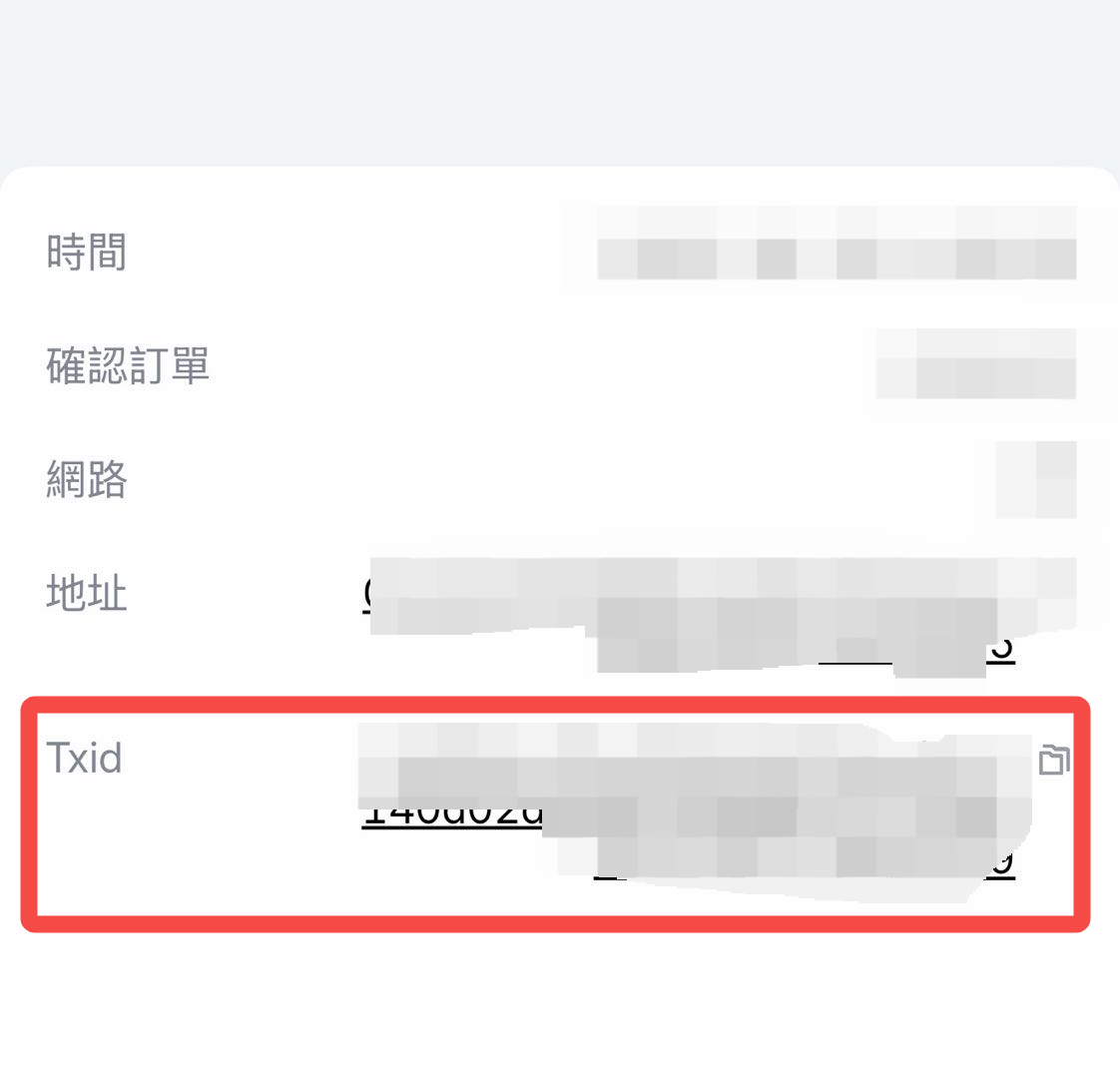
1. The "Where's My Money?" Check (TXID Tracking)
When you move funds from Tapbit to an external wallet, you get a Transaction ID (TXID). For a step-by-step walkthrough on locating your specific hash, see our dedicated guide: [How to Find Your Transaction ID (TxID) on Tapbit].
-
Status: If it says "Pending," the network is congested—just wait. If it says "Success," the money has left our system and is now live on the chain.
-
Confirmations: Most exchanges require a specific number of blocks to be built on top of your transaction before it’s considered "final." You can watch these count up in real-time.
2. Wallet Auditing & "Whale Watching"
Blockchain is pseudo-anonymous, meaning you can see what a wallet is doing, even if you don't know who owns it.
-
By pasting a wallet address, you can see their full balance, every token they hold, and their entire history.
-
Analysts use this to track "Smart Money." If you see a wallet that holds 10,000 BTC suddenly moving funds to an exchange, it’s a strong signal that a sell-off might be coming.
3. Smart Contract Verification (Safety First)
Before you swap your hard-earned ETH for a new DeFi token, use an explorer (like Etherscan) to check the contract.
-
Open Source: Is the code public and verified?
-
Liquidity Locks: Are the project's funds locked, or can the developers pull the rug tomorrow? The explorer reveals the truth that marketing hype hides.
The Big Four: Popular Explorers for 2026
|
Network |
Top Explorer |
Why Use It? |
|
Bitcoin |
Mempool.space |
Best visual for fee rates and "mempool" congestion. |
|
Ethereum |
Etherscan.io |
The industry gold standard for smart contracts and NFTs. |
|
BNB Chain |
BscScan.com |
Fast, familiar interface for BEP-20 tokens. |
|
Solana |
Solscan.io |
Essential for tracking high-speed SOL transactions. |
The Bottom Line
A blockchain explorer is the ultimate tool for financial transparency. It removes the need for "middlemen" to tell you where your money is. By learning to read the chain, you gain a massive edge in market awareness and personal security.
Ready to start your on-chain journey?
-
Track your latest market moves on the Tapbit Homepage.
-
Verify your withdrawal status by logging into your Account Dashboard and grabbing your TXID.
-
New to the transparent future of finance? Register your Tapbit account today and start trading with confidence.
Frequently Asked Questions (FAQ)
Can anyone see my wallet balance on an explorer?
Yes. If someone knows your public wallet address, they can see your balance and history. However, they don't know the address belongs to you unless you’ve linked your identity to it (like using an ENS domain: yourname.eth).
Why is my transaction "Failed" on the explorer?
This usually happens on smart contract chains like Ethereum or Solana. The most common reason is "Out of Gas"—meaning you didn't provide enough of a fee to cover the computational complexity of the transaction.
Is the data on an explorer 100% accurate?
Yes. It is a direct mirror of the blockchain. If the explorer says the transaction is "Success," it is a permanent fact of the ledger.


