Knowing how a BTC address works is one of the first steps to using Bitcoin safely. A BTC address is the destination where you receive BTC, similar to how a bank account number receives transfers or an email inbox receives messages.
This guide explains what a Bitcoin address is, how it works on the blockchain, the main address types you will see, how to generate your first BTC address, and the key safety rules you should follow.
Whether you are just starting with Bitcoin or want to clarify the basics, this walkthrough gives you enough practical knowledge to receive and send BTC with confidence.
What Is a BTC Address and How Does It Work?
A BTC address is a unique identifier that allows you to interact with the Bitcoin network. Technically, it is derived from a public key and tells the network where to send funds.
You can think of it as a digital mailbox. Anyone can send BTC to it, but only the person with the correct private key can access and spend those funds.
Behind every BTC address is a key pair:
- Public key: Used to generate your BTC address and safe to share
- Private key: A secret that proves ownership and allows you to spend BTC
When someone sends BTC to your address, the transaction is broadcast to the network, verified by nodes, and added to the blockchain. Once confirmed, your wallet updates your balance.
Types of BTC Address Formats
|
Type |
Prefix |
Example |
Pros |
Cons |
|
Legacy (P2PKH) |
1 |
1xxxxxxxxxxxxxxxxxxxxxxxxxxxx |
Widely supported |
Higher fees due to larger transaction size |
|
SegWit (P2SH) |
3 |
3xxxxxxxxxxxxxxxxxxxxxxxxxxxx |
Lower fees, supports multi-signature |
Slightly less efficient than newer formats |
|
Bech32 (Native SegWit) |
bc1 |
bc1xxxxxxxxxxxxxxxxxxxxxxxxxxxxxxxx |
Lowest fees, better error handling |
Not supported by very old wallets |
How to Get Your First BTC Address (Step-by-Step)
Creating a BTC address is quick and does not require advanced technical skills. In most cases, your wallet application or exchange account will generate one automatically.
- Choose a wallet type. You can use a mobile wallet app, a desktop wallet, a hardware wallet, or a custodial exchange wallet. Hardware wallets offer strong security, while exchanges are convenient if you primarily trade.
- Install the app or create an account. Download a reputable wallet or create an account on a trusted exchange platform that supports BTC.
- Set up security. Create a strong password for your wallet or account. If your wallet gives you a recovery phrase (12–24 words), write it down on paper and store it offline in a safe place.
- Open the “Receive” or “Deposit” section. In your wallet interface, look for a tab labeled “Receive” or “Deposit BTC”. This section displays your BTC address.
- Locate your BTC address and QR code. The wallet will show your address as a string of characters and often as a QR code that can be scanned for easier transfers.
- Share your address securely. Copy and paste the address when someone wants to send you BTC, or let them scan the QR code. Both point to the same destination on the Bitcoin network.
- Use multiple address if available. Many wallets can generate a fresh BTC address for each payment. Using new address improves your privacy and helps separate different types of transactions, such as personal and business payments.
Creating a BTC address is free. You only pay network fees when you later send BTC to other address. If you plan to trade actively after receiving BTC, check how your platform handles trading fees and other costs so you understand the full pricing structure.
Essential Safety Tips for Using a BTC Address
Because Bitcoin transactions are final, careful address handling and strong key security are critical. Following a few simple rules greatly lowers your risk of accidental loss or theft.
Double-Check Every BTC Address
Once a Bitcoin transaction is confirmed, it cannot be reversed. If you send BTC to a wrong address, there is usually no way to recover it.
- Always copy and paste BTC address instead of typing them manually.
- After pasting, verify that at least the first four and last four characters match the intended address.
- Be cautious of malware that can change an address in your clipboard. Checking the characters each time helps defend against this risk.
Protect Your Private Keys
Your private key is the real control point of your BTC. Anyone who learns your private key can spend your coins, regardless of which address they sit at.
- Never share your private key, seed phrase, or recovery words with anyone.
- Store backups offline, such as written on paper or etched into metal, and keep them in a secure location.
- For online or custodial wallets, enable two-factor authentication (2FA) to add an extra layer of protection to your login.
Start With a Small Test Transaction
Before sending a large amount of BTC to a new address, send a small test payment first. This confirms that:
- The address is valid and under the control of the intended recipient.
- Your wallet is functioning correctly and the network fees are set appropriately.
The small extra fee for a test transaction is a reasonable trade-off for the peace of mind it provides.
Limit Address Reuse for Better Privacy
A BTC address is safe to share publicly to receive funds, but the Bitcoin blockchain is transparent. Anyone can inspect transactions linked to a specific address.
- Using the same address over and over allows observers to build a clear picture of your transaction history.
- Generating a new address for different purposes makes it harder to link all your activity together.
- Many modern wallets handle this automatically by showing you a fresh “Receive” address each time.
Frequently Asked Questions
What is my BTC address?
It’s the string shown in your wallet under “Receive” or “Deposit BTC.” This is what others use to send you Bitcoin.
What does a BTC address look like?
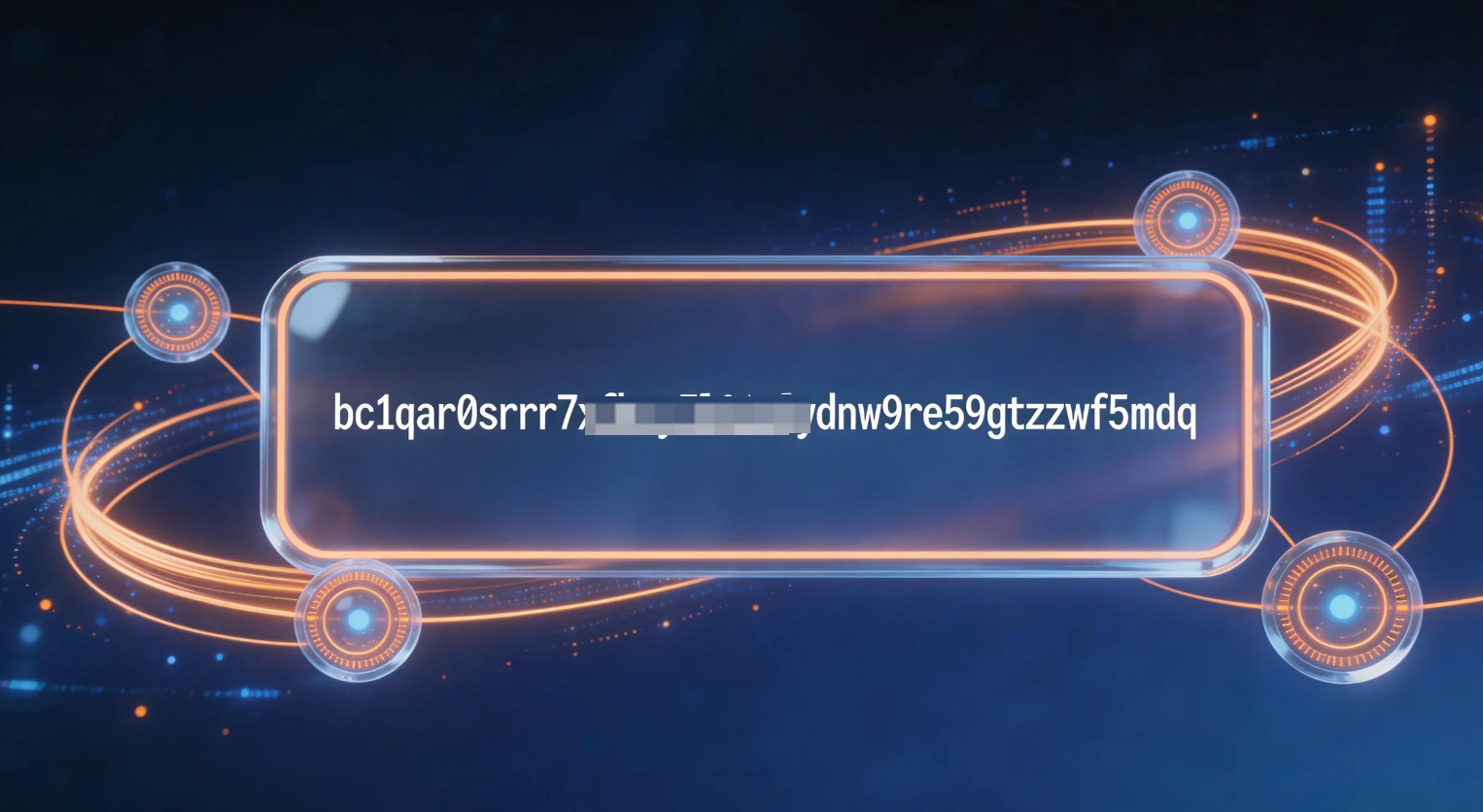
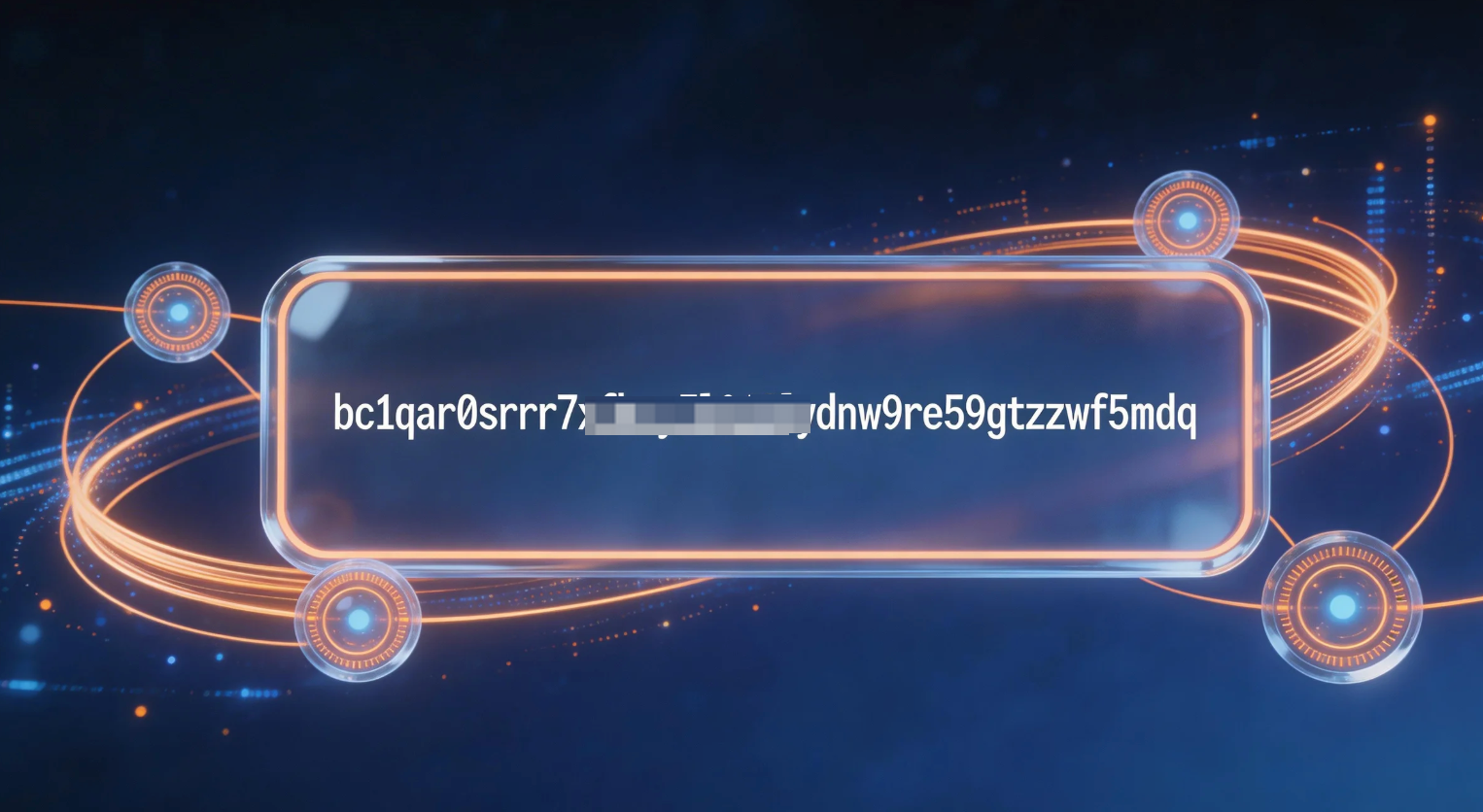
Usually 26–35 characters long, starting with:
- 1 (Legacy)
- 3 (SegWit)
- bc1 (Bech32)
Is there one official BTC address?
No. You can generate many addresses within the same wallet.
Can someone use my BTC address?
They can only use it to send you BTC—not to access your funds.


